Yes. Seedance 2.5 generates spoken Thai dialogue together with the picture, so you can ask ChatGPT or Claude for a Thai video in one request. When you need an exact voice, generate the line with one of 16 native Thai voices and lip-sync it.
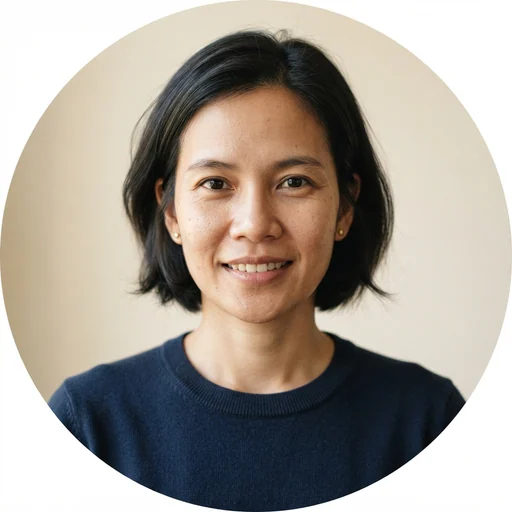
Natural Thai female voice with a clear, warm, and friendly tone. Ideal for Thai vocabulary learning, language education, pronunciation practice, educational videos, Thai language lessons, e-learning, tutorials, storytelling, and Thai text-to-speech. Perfect for language learning apps, teachers, content creators, and educational platforms looking for natural Thai speech.
Hammy - Warm& friendly
ElevenLabs · standard · feminine
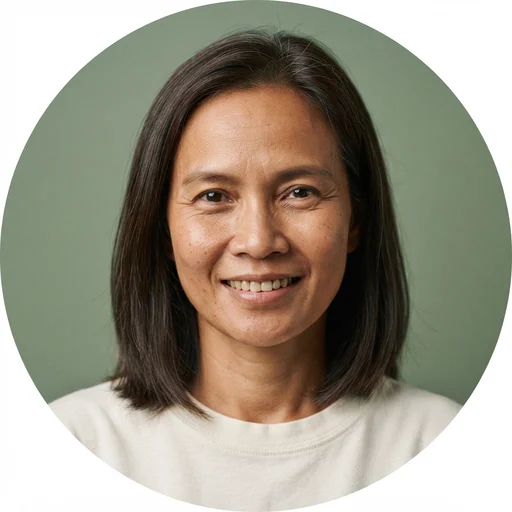
Warm, friendly, and conversational Thai female voice. Clear articulation, pleasant tone, and engaging style, perfect for narration, tutorials, and storytelling.
Nikita - Polished Thai Broadcaster.
ElevenLabs · standard · feminine
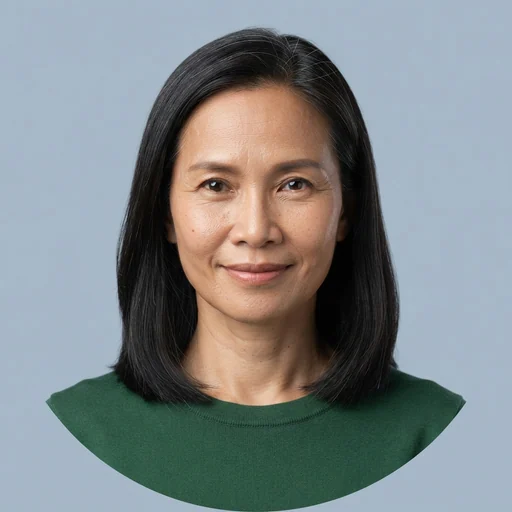
Professional Thai female voice from a former TV news reporter and radio broadcaster. Clear, polished and confident, with a warm, authoritative tone and natural broadcast-quality pacing. Ideal for corporate presentations, business and finance explainers, product and brand videos, documentaries, news-style reads, narration, e-learning, training courses, and podcasts. Perfect for companies, agencies and creators who need a trustworthy, professional female Thai voice.
Songkran - Calm & Humble
ElevenLabs · standard · masculine
A middle-age man, Thai native speaker originally.
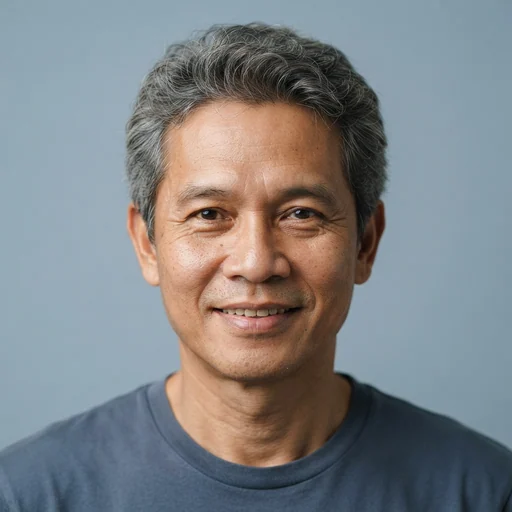
Tonce - Friendly
ElevenLabs · standard · masculine
Cheerful, deep voice, friendly, fun to talk to.
Patinya - Calm Thai Narrator & Explainer
ElevenLabs · standard · masculine
Confident, warm Thai male voice, middle-aged, with a natural Central Thai accent. Clear, steady and easy to follow, ideal for explainers, documentaries, storytelling, business and finance content, e-learning and audiobooks.
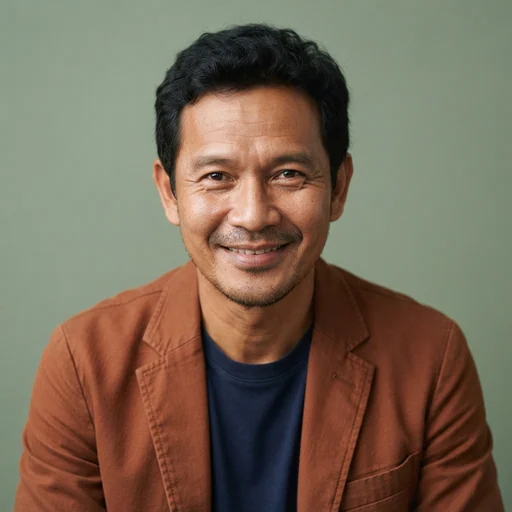
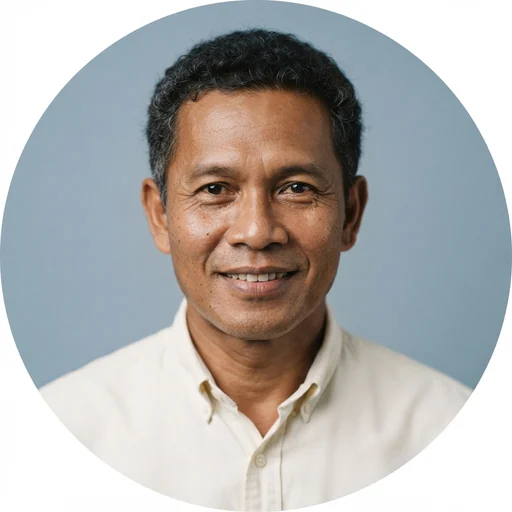
Portraits are AI-generated illustrations, not likenesses of the voice actors.
How to make a Thai video
1
Install Creative Claw
Add it from the ChatGPT plugin directory or at claude.ai/customize/plugins, and sign in. No API keys.
2
Describe the scene and the Thai line
Say who is on screen and what they say. Seedance 2.5 renders the Thai speech with the picture, so one request returns a clip with sound.
3
For an exact voice, make the speech first
Pick one of 16 Thai voices, generate the line as audio, then lip-sync it onto your presenter with MiniMax H3 Max Lip Sync. The recording drives the mouth and stays as the soundtrack.
4
Approve the cost and download
Creative Claw shows the credit estimate before each generation. Download the MP4 when it is done.
Try this prompt
Use Creative Claw to make a 10-second vertical video with Seedance 2.5: a shop owner looks at the camera and welcomes new customers in Thai. Write the Thai line yourself and show it to me with the credit estimate before you generate.
Opens a new chat with the prompt ready. If Creative Claw is not installed yet, the chat offers to add it.
FAQ
Can ChatGPT make a video in Thai? +
Yes. Seedance 2.5 generates spoken Thai dialogue together with the picture, so you can ask ChatGPT or Claude for a Thai video in one request. When you need an exact voice, generate the line with one of 16 native Thai voices and lip-sync it. Connect Creative Claw first.
Which AI video models speak Thai? +
Seedance 2.5 is documented for native Thai dialogue. MiniMax H3 Max and Gemini Omni Flash are not documented for Thai, so results may vary. MiniMax H3 Max Lip Sync and HeyGen Avatar 4 lip-sync any speech you supply, whatever the language.
Can I use my own voice for a Thai video? +
Yes. Clone your voice from a short recording, generate the Thai line with it, and lip-sync that audio onto the presenter. How well a clone speaks Thai depends on the speech model, so test a short line first.
What does a Thai video cost? +
It depends on the model and the length. Seedance 2.5 is Usage-based; ask for an estimate (5s upfront estimates: 93 credits at 480p, 218 at 720p, 499 at 1080p. Text only, 16:9, native audio, no references. Final charge follows actual usage and cannot exceed the reservation.). Speech with ElevenLabs v4 is 20 credits / 1,000 chars. $10 buys 1,000 credits, no subscription is required, and new accounts get 100 free credits.