How to Transcribe Audio and Video with Claude (2026)
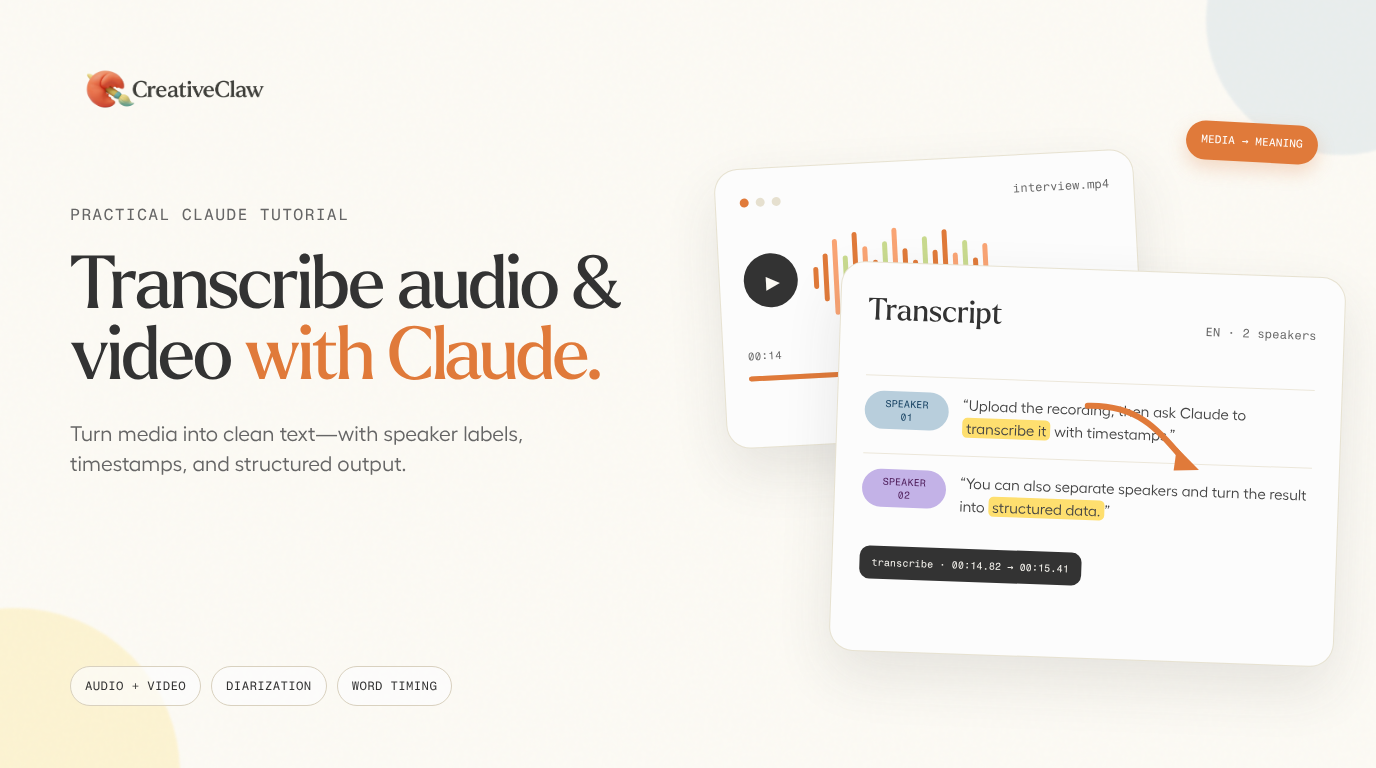
You can transcribe audio and video with Claude by connecting CreativeClaw, uploading the media, and asking for a transcript. Claude runs ElevenLabs Scribe v2 and returns the full text, readable speaker turns, detected language, duration, speaker count, and word count. When you need precise editing or subtitles, it can also fetch word-level timestamps and speaker IDs.
This works for interviews, meetings, podcasts, lectures, voice notes, screen recordings, and finished videos. You stay in the Claude conversation instead of moving files between a transcription service, a document editor, and an analysis tool.
Transcribe inside Claude
Turn a recording into usable text
Connect CreativeClaw, upload an audio or video file, and ask Claude for a speaker-labelled transcript.
Connect CreativeClawWhat Claude returns
CreativeClaw uses ElevenLabs Scribe v2 for batch transcription. ElevenLabs documents support for more than 90 languages, word-level timestamps, speaker diarization for up to 32 speakers, automatic language detection, and tags for non-speech sounds such as laughter.
CreativeClaw packages that data into two useful layers:
| Result | What it contains | Best for |
|---|---|---|
| Inline transcript | Full text, formatted speaker turns, language, duration, speaker count, and word count | Reading, summarizing, notes, quotes, and follow-up questions |
| Detailed diarization file | Every word with start time, end time, and speaker ID | Subtitles, transcript-driven video cuts, search, and structured analysis |
Most requests only need the inline transcript. Ask Claude to inspect the detailed timing data when the next step depends on exact moments in the recording.
How to transcribe a file with Claude
1. Connect CreativeClaw
Follow the Claude setup guide. CreativeClaw runs as a remote MCP server, so there is no transcription API key to create or speech model to install locally.
2. Give Claude the media
Use one of these input paths:
- Upload the audio or video through the CreativeClaw media picker.
- Provide a direct, publicly downloadable audio or video URL.
- In Claude Code, point Claude to a local file and ask it to upload the file before transcription.
Google Drive sharing pages are not direct media URLs. If the recording is in Drive, download it first and upload the file through CreativeClaw.
3. Ask for the transcript you actually need
Start with a specific output rather than asking only to “transcribe this.”
Use CreativeClaw to transcribe this customer interview. Detect the language,
separate the speakers, and return the full speaker-labelled transcript before
you summarize anything. Then list the customer's pains, objections, and exact
quotes with timestamps.
CreativeClaw submits the job asynchronously. Claude checks the job until it finishes, then reads the result and continues with the requested analysis.
4. Review names and important terms
Speech recognition is strong, but proper nouns, product names, acronyms, and unusual terminology still deserve a manual pass. Tell Claude which words matter before it produces the final notes, captions, or article.
A real example: the MORROW voiceover
This short voiceover from our voiceover and captions walkthrough has one speaker and a made-up brand name:
Meet Morrow. Bright yuzu, quiet sage, and a little sparkle
for whatever comes next. Open something lighter.
The first automatic transcription heard Morrow as Moro. Everything else was usable, but that one error mattered because it changed the brand name. The practical rule is simple: always check people, companies, products, numbers, and domain-specific vocabulary before publishing.
That review step is especially important when the transcript will drive burned-in captions, a customer-research report, or an edit that cuts the video on word boundaries.
Prompts for common transcription workflows
Interview or research call
Transcribe this interview with speaker labels. Keep the complete transcript,
then extract recurring problems, moments of strong emotion, objections, and
five verbatim quotes. Include a timestamp for every finding.
Meeting notes and action items
Transcribe this meeting and identify each speaker. After the full transcript,
write a concise summary with decisions, owners, deadlines, open questions, and
anything the group disagreed about. Link every item back to its timestamp.
Podcast or long-form video
Transcribe this recording without shortening it. Then create chapter titles,
a show-notes summary, ten quotable moments with timestamps, and three short-clip
ideas that can stand alone without losing context.
Captions and subtitle preparation
Transcribe this video and inspect the word-level timing data. Flag every proper
noun for review, then create concise subtitle segments suitable for a vertical
social video. Do not burn the captions until I approve the text.
Multilingual recording
Transcribe this recording and detect the spoken language automatically. Keep
the original-language transcript first, then provide an English translation.
Preserve speaker labels and timestamps in both versions.
Supported media and practical limits
CreativeClaw accepts common audio formats including MP3, OGG, WAV, M4A, and AAC, plus common video formats such as MP4, MOV, MKV, and WebM. Audio is the faster input when you already have it because the file is smaller, but you do not need to extract audio from a video yourself.
Transcription pricing is based on the recording’s actual duration. Repeating a transcription for the same source URL within your CreativeClaw organization returns the cached result without another transcription charge. See the live pricing page for the current credit rate.
The transcript is not limited to plain text. Because the detailed result keeps word timing and speaker information, the same recording can power several downstream jobs:
- Summaries, briefs, and searchable notes
- Speaker-specific quotes and customer evidence
- Subtitle and caption generation
- Transcript-driven video editing
- Chapter markers and clip discovery
- Translation and content repurposing
Setup by Claude client
Setup by client
Claude Code — Install the CreativeClaw plugin for the full experience with skills and optimized prompts. See the Claude Code setup.
Claude apps — Add the CreativeClaw connector once, then use it on the web, desktop, or mobile. See the Claude apps setup.
ChatGPT and Codex — Enable the Creative Claw app in ChatGPT or add the hosted MCP in Codex. See the ChatGPT and Codex setup.
Grok Bot — Install Creative Claw via the Cursor Directory through Settings → Plugins, ask Grok Bot to add it, or manually add the MCP URL. See the Grok Bot installation guide.
Hermes Agent — Use the one-click MCP link or two CLI commands. See the Hermes installation guide.
OpenClaw — Add the hosted Streamable HTTP MCP and complete OAuth. See the OpenClaw installation guide.
Frequently asked questions
Can Claude transcribe an audio file?
Yes. With CreativeClaw connected, Claude can upload or receive a direct audio URL, run ElevenLabs Scribe v2, and return the transcript with language, speaker, duration, and timing data.
Can Claude transcribe a video file?
Yes. CreativeClaw accepts common video formats, sends the audio track through transcription, and returns the spoken text without requiring you to extract the audio first.
Can Claude identify different speakers?
Yes. CreativeClaw enables speaker diarization and returns a readable speaker-by-speaker transcript. The detailed result also includes speaker IDs for individual words.
Does the transcript include timestamps?
Yes. The standard result includes formatted speaker turns and sentence timing. A linked diarization file contains word-level start and end times for subtitle alignment and precise editing.
Which audio and video formats are supported?
Common audio formats include MP3, OGG, WAV, M4A, and AAC. Common video formats include MP4, MOV, MKV, and WebM. Upload a file or provide a direct, publicly downloadable media URL.
Try the workflow
Bring your next recording into Claude
Connect once, then transcribe, summarize, quote, caption, and edit media from the same conversation.
Set up CreativeClawReady to try it?
Connect CreativeClaw to Claude in under a minute.
Get StartedContinue the workflow