10 Sound Effect Door Slam Resources: Free and Paid Picks
You’ve got the cut due tomorrow, the scene is locked, and the only thing missing is a convincing sound effect door slam that doesn’t blow the budget or break the license chain. In practice, the right source depends on where the sound lands in the workflow. A temp edit needs speed and coverage. A final mix needs a tighter performance, better layering, and cleaner licensing. A social cut may need something bold but safe on phones and small speakers. This list groups resources by the job they do best, so you can move fast instead of auditioning every catalog on the web.
Table of Contents
- 1. Zapsplat
- 2. Soundly
- 3. A Sound Effect
- 4. Just Sound Effects
- 5. Artlist SFX
- 6. Sonniss
- 7. Pro Sound Effects
- 8. Sound Ideas
- 9. BOOM Library
- 10. CreativeClaw Pricing
- Door-Slam SFX: Top 10 Resource Comparison
- Matching Your Door Slam Source to the Job
1. Zapsplat
Zapsplat is a practical first stop when you need to test a few door slam flavors quickly. The site gives you fast access through search, and that matters when you’re cutting a temp sequence and just need to hear whether the slam reads as soft, hard, hollow, or heavy. The free tier uses a standard license that requires attribution, while the paid Gold plan removes attribution and adds convenience.
For rough cuts, that trade-off works. You can audition fast, drop something into the timeline, and move on before the client review starts. It’s also useful when you’re comparing how a tighter slam plays against a slower, heavier one. If the scene is still in flux, Zapsplat gives you enough options to avoid overcommitting too early.
Practical rule: use Zapsplat for speed and variety, not for the final answer when the slam is close-miked and featured.
A few things make it less ideal for hero sound. The quality and loudness can be mixed compared with boutique libraries, so you may spend more time balancing than you would with a premium pack. Still, for mockups and budget-conscious edits, the value is hard to beat.
Try it here and keep the workflow moving with the CreativeClaw Hyperframes launch SFX and music example. If you need a quick door hit and don’t want to overthink the source, Zapsplat is usually the cheapest place to start, provided you’re comfortable with the credit requirement on the free tier.
Website: Zapsplat
2. Soundly
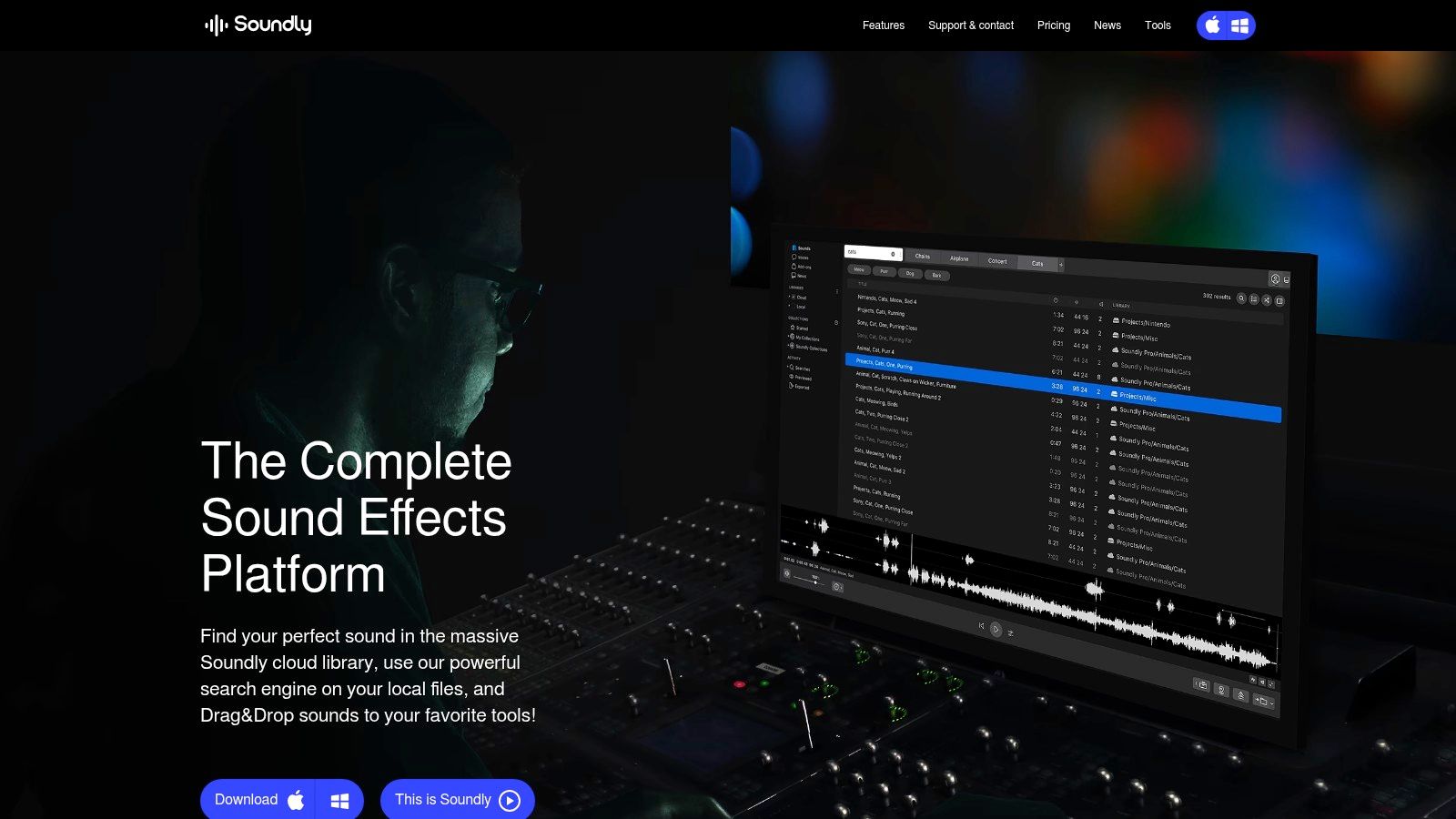
Soundly fits editors who live in the timeline. It’s a desktop SFX platform with a cloud library and in-app shop, and the big advantage is how quickly you can search, preview, and drag a door slam straight into Pro Tools, Premiere, or Reaper. When the edit is moving quickly, that matters more than catalog romance.
Best use in a real project
If you’re cutting temp or assembling a fast final, Soundly keeps the search-to-timeline loop short. It also helps if you’re juggling local libraries and cloud content, because the metadata stays readable instead of turning into a folder hunt. That makes it useful on hybrid jobs where you already own some assets but need a central place to find them.
The licensing is the main caution. The platform doesn’t allow standalone redistribution or resale of effects, so it’s a workflow tool, not a source for repackaging audio. Pricing tiers and multi-user rates also require sales contact, which can slow budget planning if you’re comparing options for a team.
Search speed matters more than library size when the cut is late and the client is waiting.
For door slams specifically, Soundly is strongest when you want to audition several takes and move one into the sequence without breaking focus. It’s less about buying a perfect one-off slam and more about reducing friction across the whole edit.
Website: Soundly
3. A Sound Effect
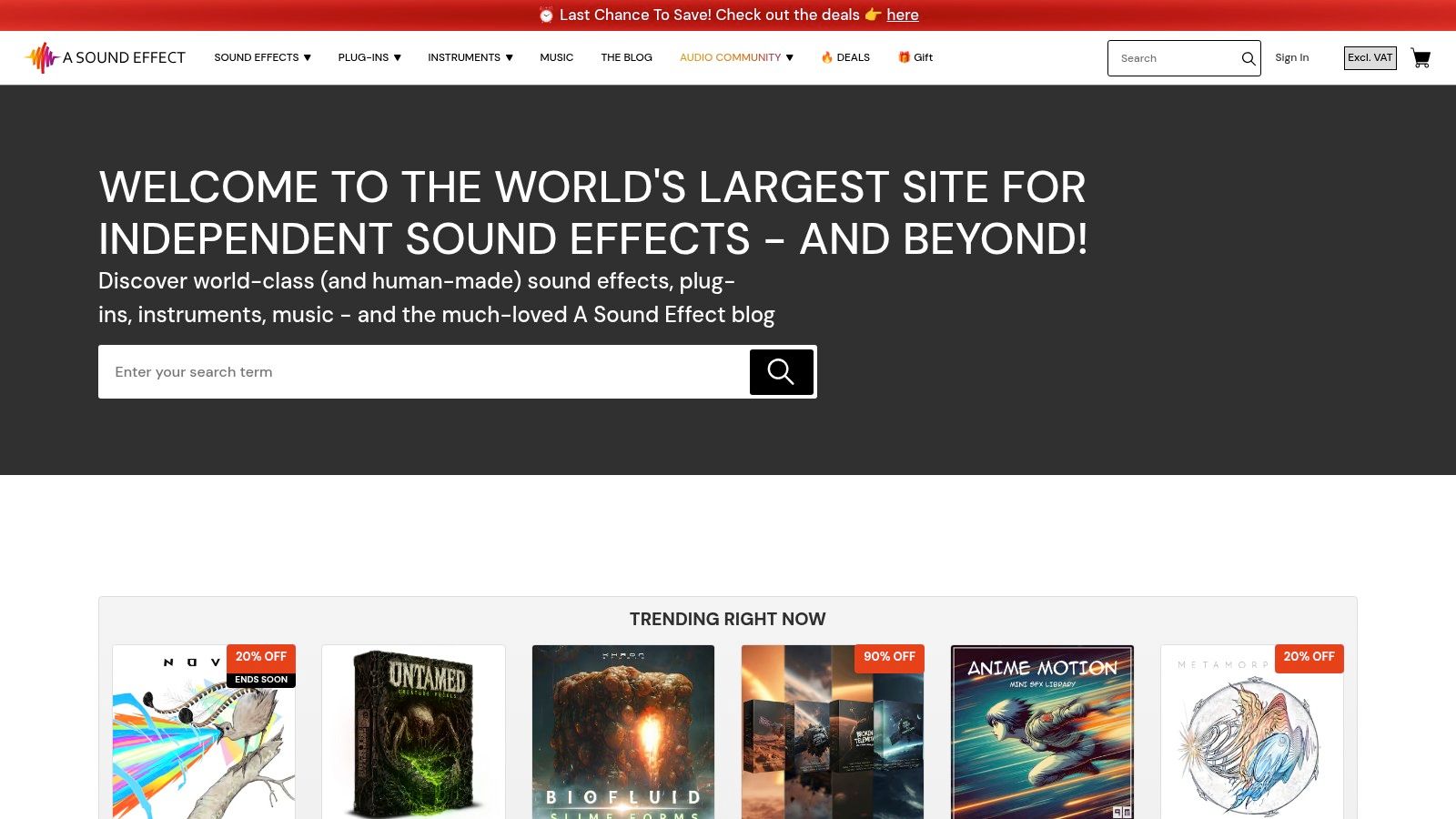
A Sound Effect is the place I go when the project needs a very specific door slam personality. The marketplace pulls together boutique libraries from independent recordists, so you’re not stuck with one house style. That helps when a generic “bang” won’t do and the scene needs a close wooden close, a heavy metal hit, or a more room-aware interior slam.
Good for unusual needs
The core advantage is transparency. You can see content lists before buying, so you’re not guessing whether a pack includes the material, perspective, or intensity you need. That saves time when the brief is narrow. If the director wants “a softer hallway version” or “something with more latch detail,” the topic-specific packs make the search more precise.
The downside is inconsistency across publishers. Some libraries are excellent, others are just fine, and the loudness or editorial polish can vary. Costs can also climb if you start collecting small packs one by one, which is easy to do on a project with a lot of door moments.
Use it when you need a targeted selection and want to buy only what fits the cut. The CreativeClaw voices page is a useful companion if you’re building a broader content workflow around audio and need adjacent creative assets in one place.
Website: A Sound Effect
4. Just Sound Effects
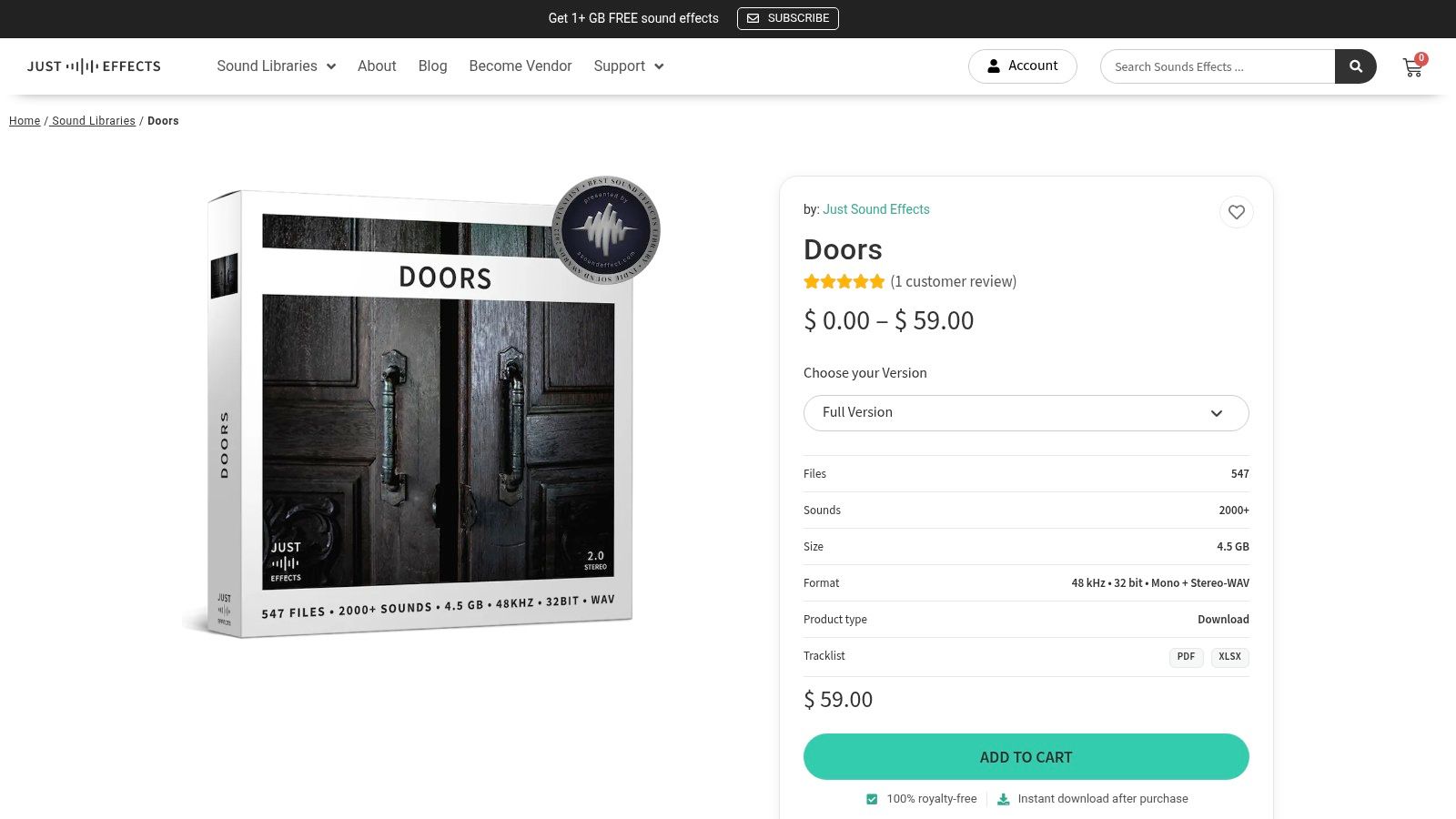
Just Sound Effects is a clean fit when you want editorial-ready door actions without wading through a giant catalog. The Doors library is structured around practical use, with two perspectives and varied intensities for each action. That makes it easier to move from a gentle close to a harder slam without leaving the same acoustic family.
The reason that matters is simple. A slam that works in a close interior shot often needs a different feel when the camera widens or the scene changes room position. Having multiple intensities in one pack speeds up that adjustment. You’re not building the sound from scratch, you’re selecting the version that already fits the cut.
What it does well
- Fast drop-ins: The library structure is clean, so you can audition and layer quickly.
- Useful range: The included perspectives reduce the need to hunt across several packs.
- Minimal cleanup: The sound is aimed at practical editorial use, not heavy repair.
The limitation is scope. If you need broader ambience, general foley, or a full scene build, this isn’t a one-pack solution. It’s a focused door resource, which is a strength if the job is specific and a weakness if the session is sprawling.
Website: Just Sound Effects Doors
5. Artlist SFX
Artlist SFX is built for teams that need steady output and predictable licensing. If you’re producing social videos, branded content, or ad variations week after week, the subscription model removes the friction of buying effect by effect. That makes it a practical home base when your door slams are one part of a bigger recurring content machine.
Where it fits
It works best when you need many assets across many categories, not just one perfect slam. Unlimited downloads under an active subscription suit high-volume pipelines, especially when the team wants simple usage terms and doesn’t want to re-evaluate rights for every export. For recurring short-form work, that predictability saves time.
The trade-off is depth. Ultra-specific slams can be thinner than boutique packs, so if the shot is highly featured, you may still need to supplement the subscription with a more curated source. That’s the usual subscription bargain, broad access in exchange for less specialization.
Practical rule: subscriptions are easiest to justify when the same team keeps pulling effects every week, not when the door slam is a one-off hero cue.
If your workflow includes a lot of branded audio and video, the CreativeClaw collections example is a good parallel for how organized asset access saves time. Artlist gives you the licensing simplicity, but you still need to audition in context before you lock the final take.
Website: Artlist SFX
6. Sonniss
Sonniss is useful when the technical side of the delivery matters as much as the sound itself. The catalog has a dedicated Doors category, and the filtering makes it easier to narrow by sample rate, bit depth, channel count, and file totals. That is a real advantage when the asset has to slot into a game or post pipeline without extra detective work.
For door slams, Sonniss is strongest when you want to compare several packs before spending. The marketplace format lets you evaluate material, compare publishers, and choose the version that fits your pipeline requirements instead of settling for whatever happens to be on the first page. That’s especially handy when you need both hardware detail and consistent metadata.
The main caution is buyer responsibility. Sonniss hosts material from multiple publishers, so quality control still sits with you. It’s a good place to shop, but not a substitute for auditioning.
Why it helps on game audio
- Filter by technical specs: Match the effect to the build requirements.
- Browse by category: Find doors, latches, handles, and related actions quickly.
- Compare before purchase: Reduce blind buying on a pack you may never open again.
Website: Sonniss
7. Pro Sound Effects
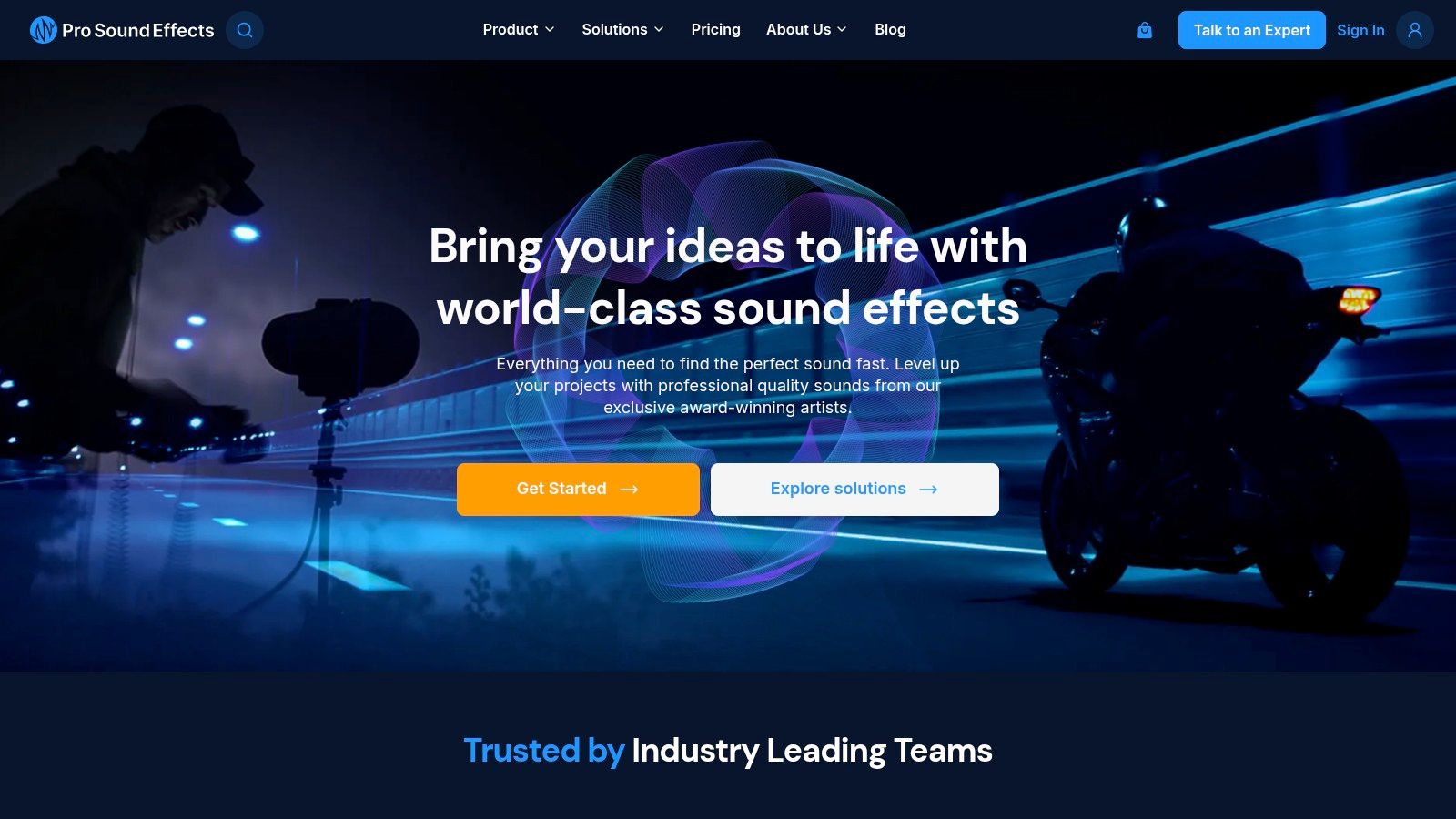
Pro Sound Effects is the safer choice when the slam needs to feel finished fast. The catalog is curated, the licensing is reliable, and the online search makes it easy to find a clean effect without buying a giant bundle you’ll barely touch. For a final mix where the door only needs one good hit, that efficiency counts.
When it earns its keep
The focused Doors pack, including the Richard King collection, is the kind of thing you reach for when the brief is narrow and the cut is already shaped. It gives you a concise set of options instead of a noisy pile of alternates. That makes it easier to get to the right slam without over-editing.
The trade-off is cost structure. Itemized packs can add up if you start crossing categories, and some flagship bundles are premium-priced. If your project needs only a single slam, the library may feel like more than you need. If your mix needs a trusted, film-ready result, it feels justified.
Practical advantage
The metadata and search experience reduce friction. You spend less time hunting and more time comparing character, perspective, and fit. For a final-mix element heard close to picture, that’s often worth more than having the largest possible catalog.
Website: Pro Sound Effects
8. Sound Ideas
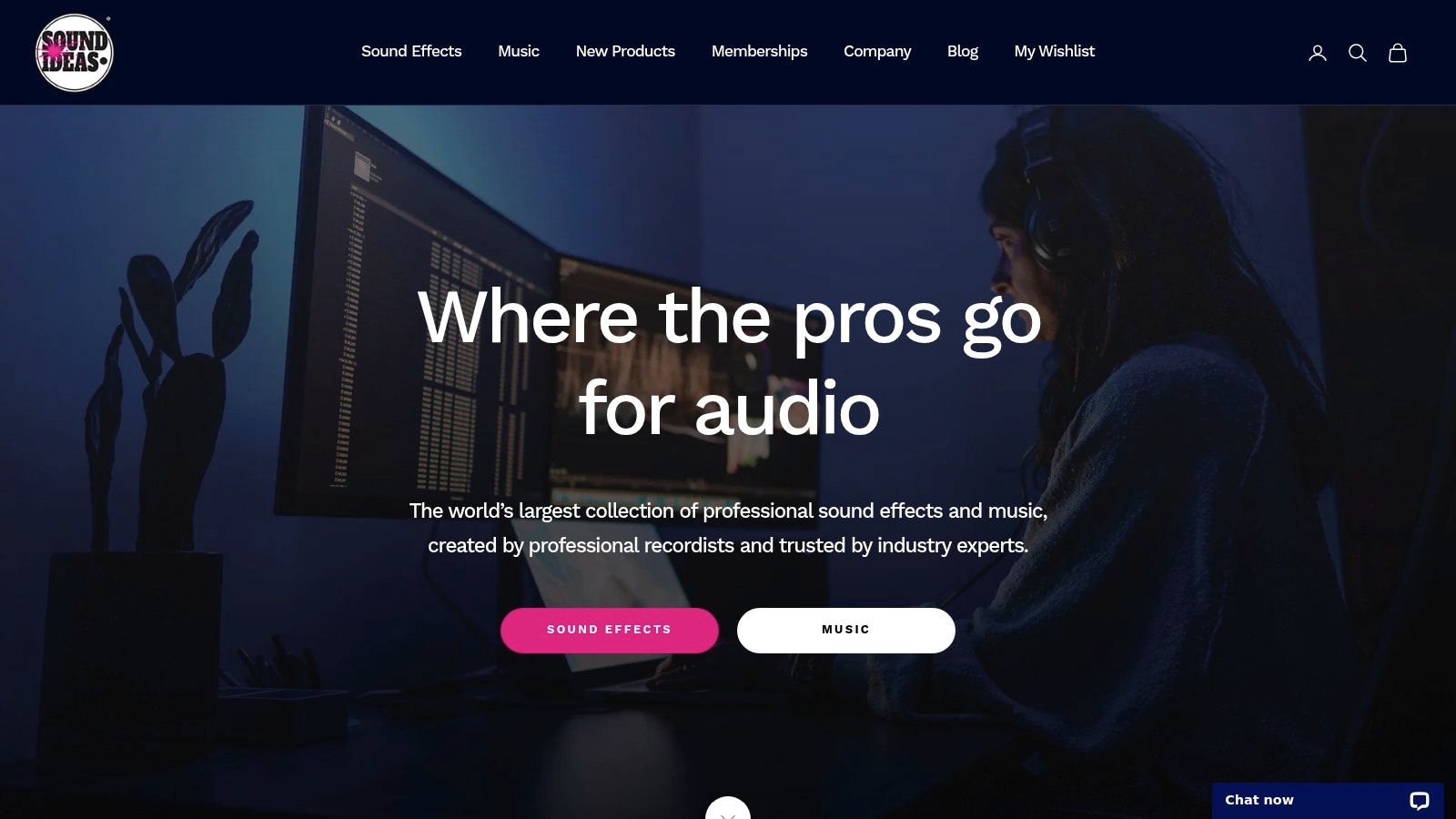
Sound Ideas is the old reliable when you want a huge sweep of classic library material. Through Super Search, you can audition a very large catalog, including legacy Series 6000 and 9000 door takes plus HD collections. If you’ve ever needed that familiar, slightly library-flavored slam that just works in a cut, this is where that instinct often starts.
The breadth is the point. It’s useful for finding multiple variants fast, and for pulling from a long-running house style that many editors already know how to cut with. That can be helpful on corporate, archival, or broadcast projects where the effect doesn’t need to feel boutique, it just needs to land cleanly.
The downside is familiar to anyone who has used older libraries. Some recordings sound more like library assets than bespoke modern captures. That isn’t always bad, but it’s a real aesthetic choice. Also, many products are sold in larger bundles, which can feel heavy if you only need a few files.
Best use cases
- Classic editorial temping: Fast access to familiar door tones.
- Broad search needs: One portal for multiple integrated catalogs.
- Older-format projects: Useful when the sound language doesn’t need to feel ultra-modern.
Website: Sound Ideas
9. BOOM Library
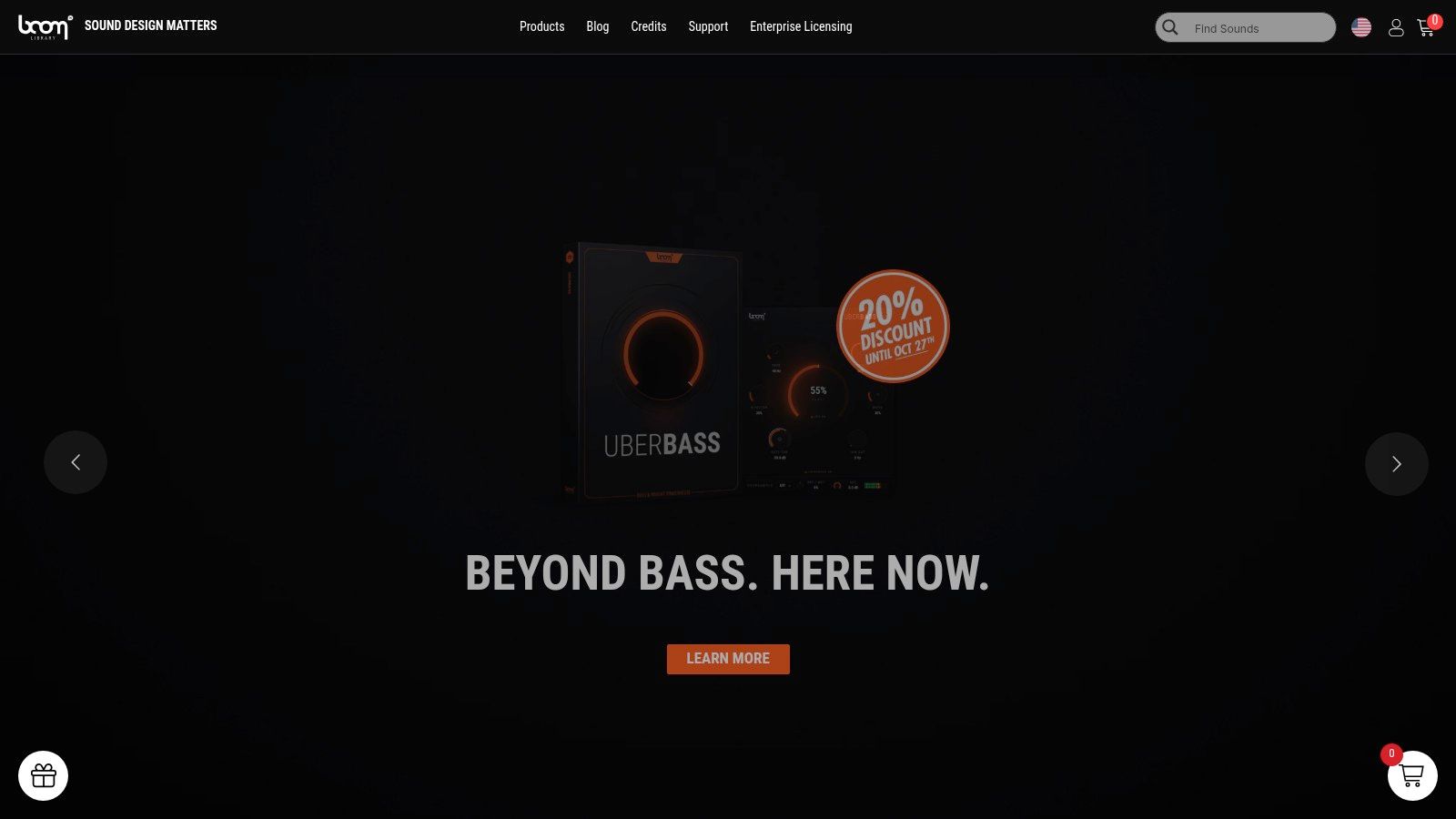
BOOM Library is the premium answer when the slam is part of the show. The dedicated Doors collection covers openings, closings, slams, creaks, and mechanisms across materials and sizes, and the metadata is designed for quick searching and layering. If the door is visible on screen and the sound has to keep up, this is the tier that usually feels safest.
Why editors pay for it
The files are built for real production use, so the dynamics and fidelity tend to hold up when the effect sits close to picture. Multiple perspectives and takes also make layering easier. That matters because a convincing slam is often more than one sound. A latch, a frame knock, and a low impact can each carry part of the weight.
The price is the obvious trade-off. This is premium material, and buying a full library for one slam can be overkill. But when the door moment is a story beat, not just a transition, the extra spend often saves time in the mix.
A good premium library doesn’t just give you a louder hit, it gives you more ways to shape the hit to the shot.
BOOM is also the easiest place to reach for when you want cinematic realism without rebuilding the effect from scratch. It’s not the cheapest option, but it is one of the clearest answers when the final mix needs confidence.
Website: BOOM Library
10. CreativeClaw Pricing
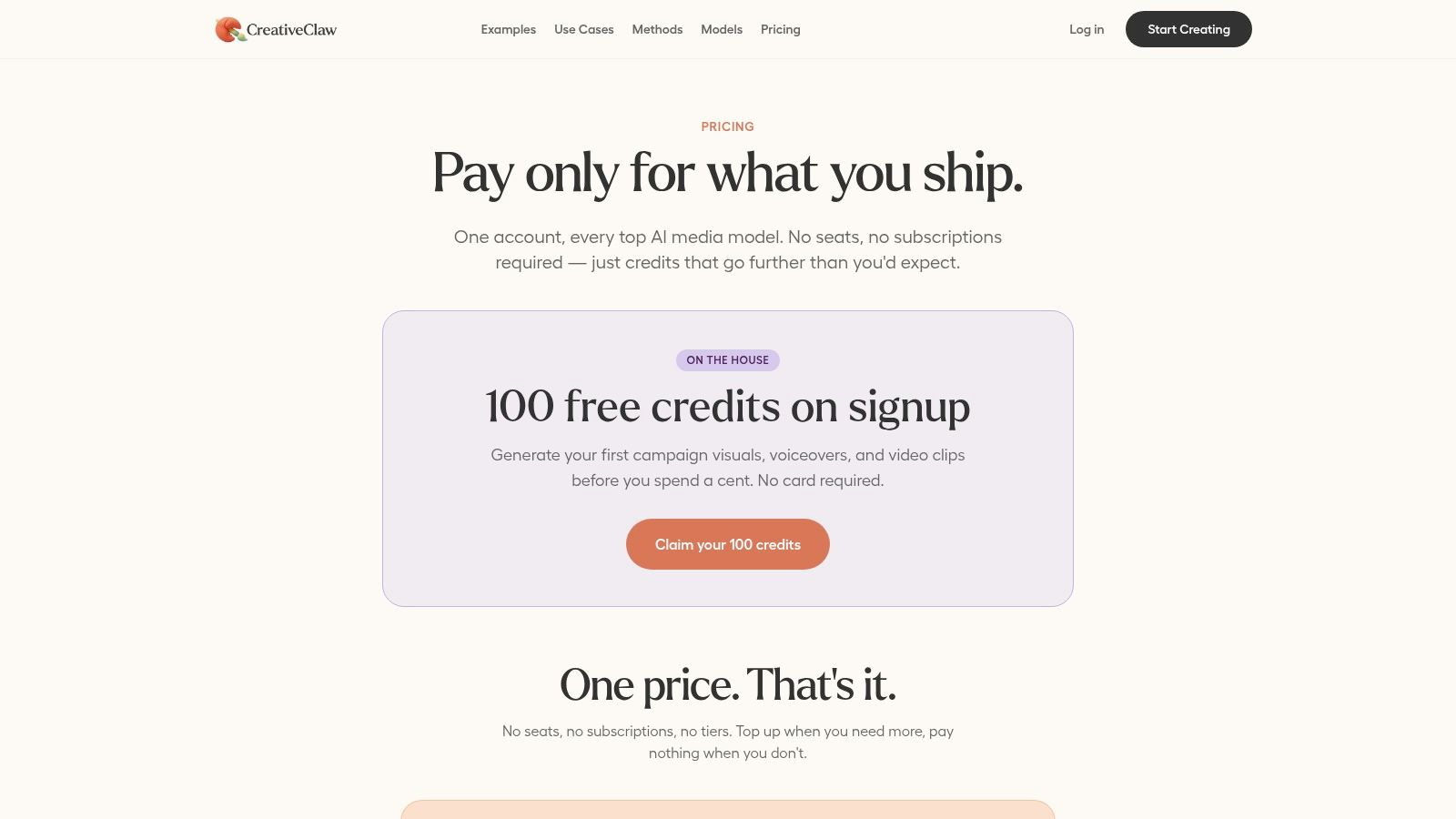
CreativeClaw is the right pick when the job is not “find a stock slam,” but “make a custom one now, in the workflow I already use.” Its Pricing page describes an on-demand, pay-per-effect sound design service powered by ElevenLabs Sound Effects v2, with sound effects generated inside a conversation and stored on a permanent CDN. That makes it a useful option for teams that want a custom sound effect door slam without switching tools or juggling separate vendor accounts.
Why this pricing model matters
The biggest practical advantage is control. You can order short custom effects, up to 30 seconds, and keep the work inside the assistant thread. The page also emphasizes transparent, credit-based pricing, with $10 = 1,000 credits and 100 free credits on signup, so you know what a generation costs before you start iterating. For teams managing repeated versions, that clarity helps.
The workflow features are the main draw for marketing and content teams. Brand Kits and Character Kits keep outputs consistent, variant generation lets the assistant compare outputs, and the permanent CDN links make sharing easier. If you’re producing branded video, social content, or client work where the slam needs to match a specific tone, this is more flexible than hunting through stock libraries.
The limitation is simple. Short effects stop at 30 seconds, and if you need many iterations, credits can add up. AI-generated results also still need human ears on them, especially when the sound has to sit naturally in a mix.
Website: CreativeClaw Pricing
Door-Slam SFX: Top 10 Resource Comparison
| Provider | ✨ Core features / USP | ★ Quality & UX | 💰 Pricing / Value | 👥 Best for |
|---|---|---|---|---|
| Zapsplat | ✨ Huge free SFX catalog, quick site search | ★★★ (mixed loudness) | 💰 Free (requires attribution) / Gold low-cost | 👥 Budget prototyping, temp tracks |
| Soundly | ✨ DAW drag‑drop, cloud + local library, VST/AAX | ★★★★ (workflow speed) | 💰 Free tier + paid; team pricing via sales | 👥 Editors & sound designers |
| A Sound Effect | ✨ Curated marketplace of indie, topic packs | ★★★★ (boutique, variable) | 💰 A‑la‑carte packs; creator-priced | 👥 Designers seeking specific, unique takes |
| Just Sound Effects | ✨ Focused door packs with multiple perspectives | ★★★★ (clean, editorial-ready) | 💰 Indie-priced micro-packs | 👥 Fast editorial door actions |
| Artlist SFX | ✨ Unlimited downloads, simple royalty-free license | ★★★★ (broad, consistent) | 💰 Subscription (best for high-volume) | 👥 Teams creating frequent short-form content |
| Sonniss | ✨ Pro capture + technical filters (sr/bit/channel) | ★★★★ (pro-standard metadata) | 💰 One-off purchases; pro marketplace | 👥 Game/post pros needing pipeline match |
| Pro Sound Effects | ✨ Curated & named-artist collections, searchable metadata | ★★★★★ (trusted pro libraries) | 💰 Premium one-offs | 👥 Film & post-production professionals |
| Sound Ideas | ✨ Massive legacy catalog (600k+), Super Search | ★★★ (classic “library” character) | 💰 Bundles & large collections | 👥 Archivists, creators seeking classic slams |
| BOOM Library | ✨ Cinematic fidelity, multi-perspective layering | ★★★★★ (cinema-grade) | 💰 Premium-priced libraries | 👥 High-end film & game audio teams |
| 🏆 CreativeClaw | ✨ AI on‑demand SFX in chat; Brand & Character Kits; permanent CDN | ★★★★☆ (AI‑driven, production-ready with refinement) | 💰 Credit-based ($10 = 1,000 credits); 100 free credits | 👥 Teams & devs needing integrated, brand-safe SFX |
Matching Your Door Slam Source to the Job
The cleanest way to choose a sound effect door slam source is by job type, not by brand loyalty. For temp edits and quick tests, free or attribution-based libraries make sense because you’re buying speed, not finality. Zapsplat is a good example of that model. For steady production volume, a subscription is easier to defend because the usage stays predictable and the team can pull effects without restarting procurement every time. Artlist SFX and Soundly sit comfortably in that lane.
When the slam is going to be heard closely in the final mix, boutique and premium packs usually justify themselves. BOOM Library, Pro Sound Effects, Sonniss, and A Sound Effect all give you more control over material, perspective, and editorial fit, which matters when the door is part of the scene’s emotional weight. A one-off custom effect can also be the right answer if the brief is specific and the stock options keep missing the mark. CreativeClaw is useful there because it brings custom generation into the conversation and keeps pricing visible up front.
The main trap is choosing based on catalog size alone. A huge library doesn’t help if the license is awkward or the slam feels wrong in context. A smaller pack can be the better deal when it gives you the exact viewpoint, intensity, and tail you need. As noted in the research brief, door-slam design changes with perspective, so a hallway hit, an interior car slam, and a door heard through a wall should not all sound identical.
Before delivery, audition the effect in context. Check it against dialogue, music, and the playback device you expect your audience to use. Then verify the license terms one last time before you export. For broader copyright-safe planning across audio assets, the AIMVG guide to copyright-safe tracks is a useful companion reference.
Keep a short shortlist for each project type. One source for quick temping, one for subscription speed, and one premium or custom option for the final mix will cover most door-slam jobs without wasting time.
CreativeClaw lets you generate custom sound effects, including a door slam, directly inside chat with transparent credit-based pricing and permanent asset links. If you want a faster way to make branded audio without switching tools, visit CreativeClaw and try it on the next cut.
Ready to try it?
Connect CreativeClaw to Claude in under a minute.
Get StartedContinue the workflow